Components / Method
Method
Test coupons
Print the mechanism small before a ten-hour part depends on it.
Cut the test piece out of the real model, so it has exactly the geometry the big part will have, and try it with the real hardware. Include only the mechanism under test.
Method: A practice or a tool, not a printed part.A 2 h 40 min hinge coupon caught a hinge that could not close, twice, before any 10-hour lid was printed.
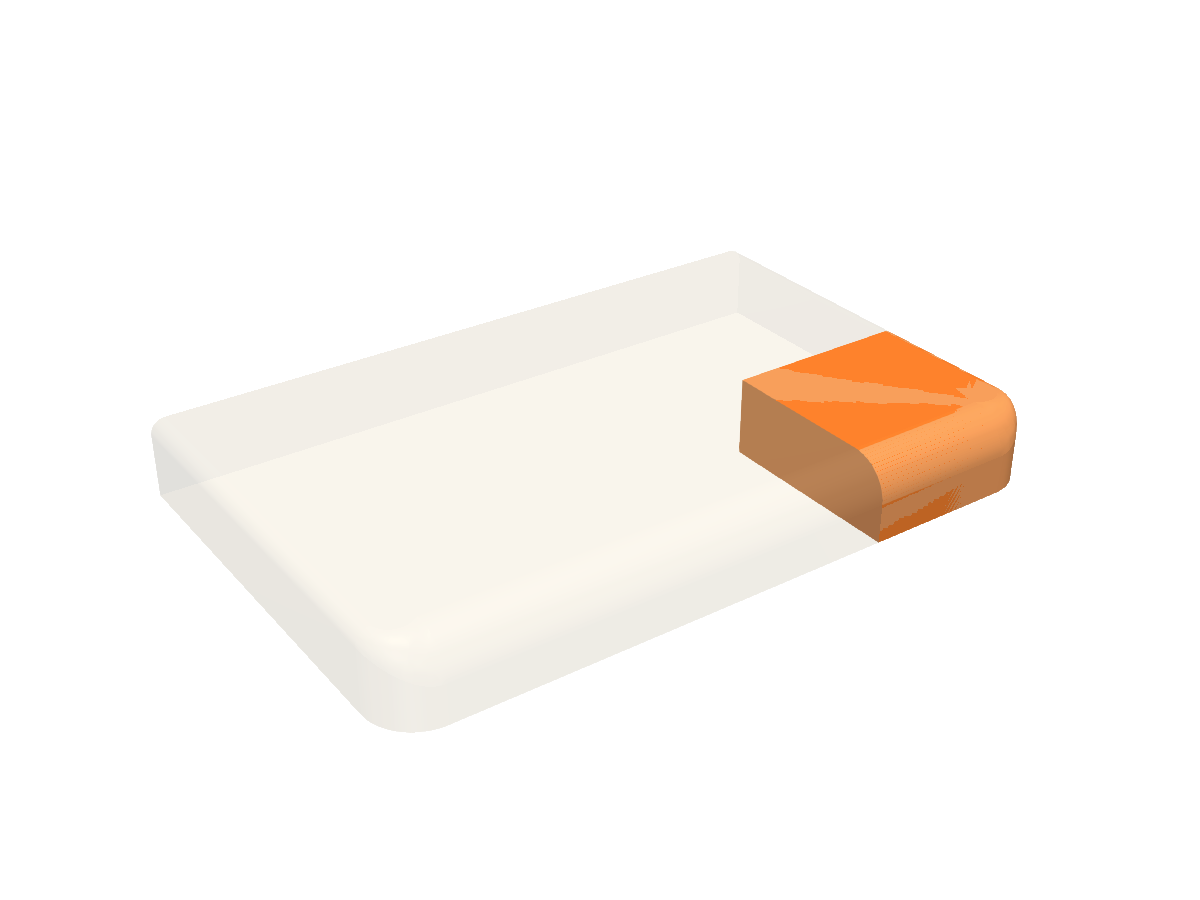 Loading 3D view
the full partthe test coupon
Use it in code
import { ready, coupon, output } from "partkit";
await ready();

const testLid = coupon.crop(lid, 128, 186, -30, 60, -40, 40);
const testBase = coupon.crop(base, 128, 186, 194, 258, 30, 140);
const file = output.stl(testLid);
What you print
- A small piece of your own part
Functions
| Call | What it gives you |
|---|---|
| coupon.crop(part, x0, x1, y0, y1, z0, z1) | The piece of a part inside a box. |
Check before you print
- The coupon still clears through the motion, like the full part
Learned the hard way
- Test before printing anything that takes more than a few hours.
- Cut the coupon from the real model, never redraw it.
Open it in Fusion 360
The scene above as a STEP file: real solid bodies, each part its own named component, in position. In Fusion 360 use File, Open, then Open from my computer. It also opens in FreeCAD, SolidWorks and Onshape. It carries the shapes, not the sizes you can change; for different sizes, use Make it above or change them in code.
Source: ts/src/coupon.ts
/** Test coupons: print a mechanism small before a ten-hour part depends on it. Cut the coupon out of the REAL model. */
import { box, type Solid } from "./geom";

/** The piece of `part` inside a box. */
export const crop = (part: Solid, x0: number, x1: number, y0: number, y1: number, z0: number, z1: number): Solid =>
  part.intersect(box(x0, x1, y0, y1, z0, z1));